


Getting started
Install the PokeHaven EU Client 1.7.42, join the server, and know the words the rest of the wiki uses.
Contents
Requirements
- Minecraft Java Edition (Microsoft account)
- CurseForge app
- Our PokeHaven EU Client 1.7.42 zip from Discord
#how-to-join(CobbleVerse + PokeHaven menus/splash)
PokeHaven EU in Multiplayer. The IP rotates — always copy it from Discord, never from old screenshots.Install walkthrough
- Install CurseForge and sign in.
- Create Custom Profile → Import
PokeHaven-EU-Client-1.7.42.zip. - Wait until every mod finishes — do not cancel mid-download.
- Launch once to the main menu (PokeHaven branding), quit, launch again if packs look unfinished.
- Multiplayer → Add Server:
Name:PokeHaven EU
Address: IP from Discord#how-to-join.
Join checklist
Server name: PokeHaven EU. Pack: PokeHaven EU Client 1.7.42. IP only from Discord (it can rotate).
Important
Can't join? Almost always a pack mismatch. Re-import PokeHaven EU Client 1.7.42. Copy the IP from Discord — never from old screenshots. See Common mistakes.
Glossary
| Term | Meaning |
|---|---|
| PokeHaven EU | Our multiplayer server |
| CobbleVerse | The modpack you install |
| Level cap | Levels freeze until the next gym falls |
| Claim | Protect land with FTB Chunks only |
| Waystone | Teleport stone |
| Empty Map | Fresh map for gym crafting — never open it in the world first |
| Cartography table | Region table (Kanto / Johto / …) that finishes gym maps with coordinates |
| Cerulean Star | Misty’s map item (seagrass needs Shears) |
| PokéDollars | Server money (CobbleDollars mod) — shops & bank |
| Ticket | Private Discord support channel via #tickets |
| Recipe list / REI | Search crafts with inventory open (E) |
| Outfits | Craftable trainer clothes — see Outfits and cosmetics |
Need help?
PokeHaven EU Discord — pack zip, live IP, and support. Send a screenshot + what you already tried.
#help— quick public questions#tickets— private help, reports, appeals
What to read next
- First hours
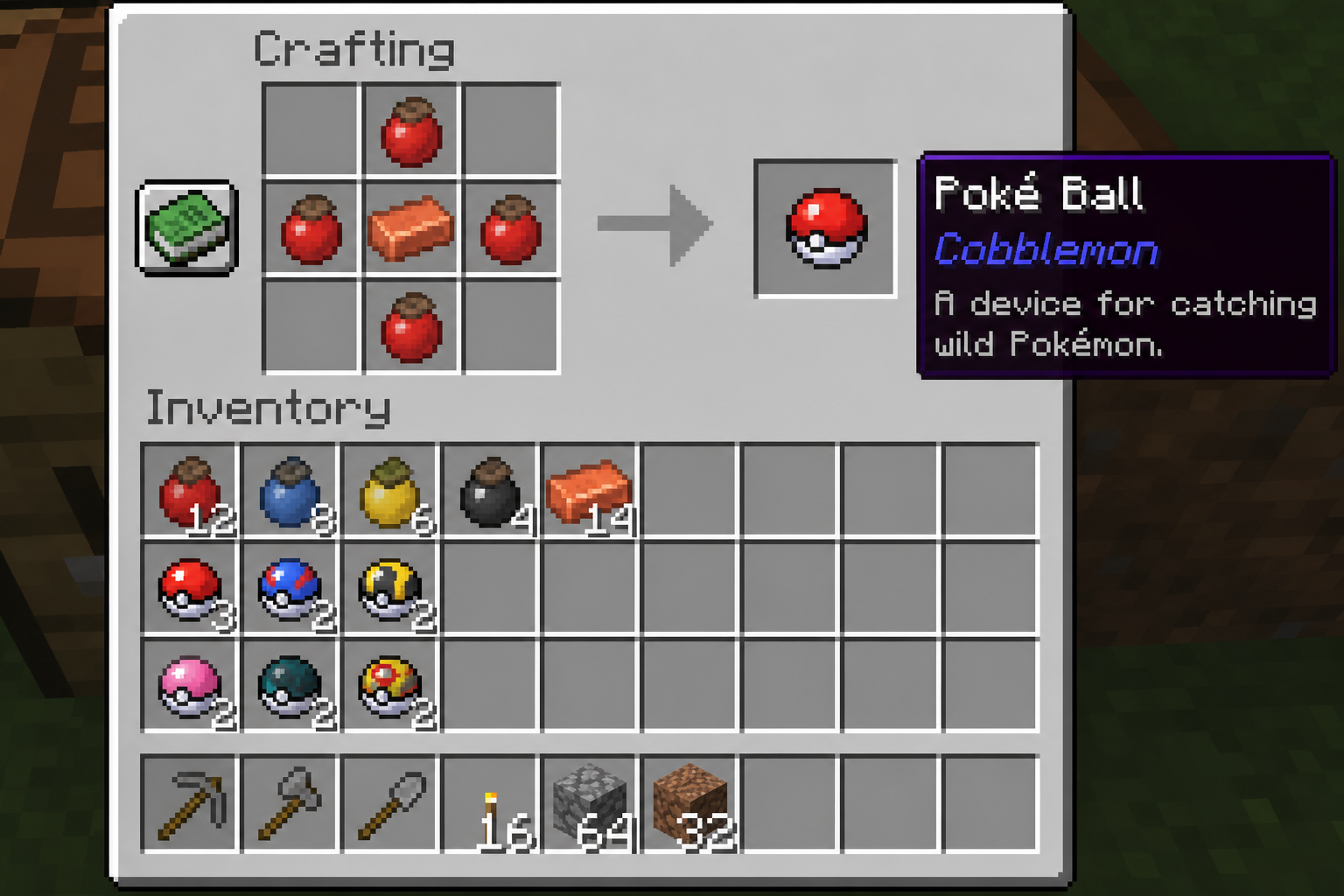
- Poké Balls (crafting screenshots)
- Brock → Misty
- Level cap